
Yakutat Traffic Court Records Search
Yakutat Traffic Court Records are handled through Juneau rather than through a permanent local courthouse, so the first practical search step is often the statewide court system instead of a Yakutat counter. If you need to find a citation, confirm a docket entry, or request a copy of a traffic case, the Juneau court directory, CourtView, and Alaska court forms are the most useful official starting points. That setup matters in Yakutat because the local magistrate schedule is not the same thing as a standing courthouse. Knowing where the file is administered helps you move from a citation or hearing notice to the actual traffic record without guessing which office should answer first.
Where Yakutat Traffic Court Records Start
The administrative home for Yakutat Traffic Court Records is the Juneau Superior & District Court at 123 4th Street, Juneau, AK 99801, and the main phone number is (907) 463-4700. Yakutat does not have a permanent courthouse facility, so the local traffic file is managed through Juneau even when the case or hearing relates to Yakutat. That distinction is important because it tells you where to search first and where to send a records question if you want the clerk who actually manages the file. The court system’s structure can look remote at first, but it is straightforward once you follow the Juneau-administered path.
The official listing on the Juneau court directory is the best place to confirm the office that handles Yakutat Traffic Court Records. The broader trial courts page is also useful because it shows how the Alaska Court System organizes district court work across communities that do not have a full local courthouse. For Yakutat, that statewide structure is not a side note. It is the main reason the record search starts in Juneau rather than in a local Yakutat office.
Yakutat traffic matters are also affected by the fact that magistrate judges travel to Yakutat on schedule. That means the hearing location can be local even when the administrative record lives in Juneau. If your notice mentions a scheduled visit, do not assume you are looking at a separate municipal process. In many cases, the same record is simply being managed from Juneau while a judge travels to Yakutat to handle the appearance.
See the Juneau court directory on the Alaska Court System site for the office that administers Yakutat traffic matters.
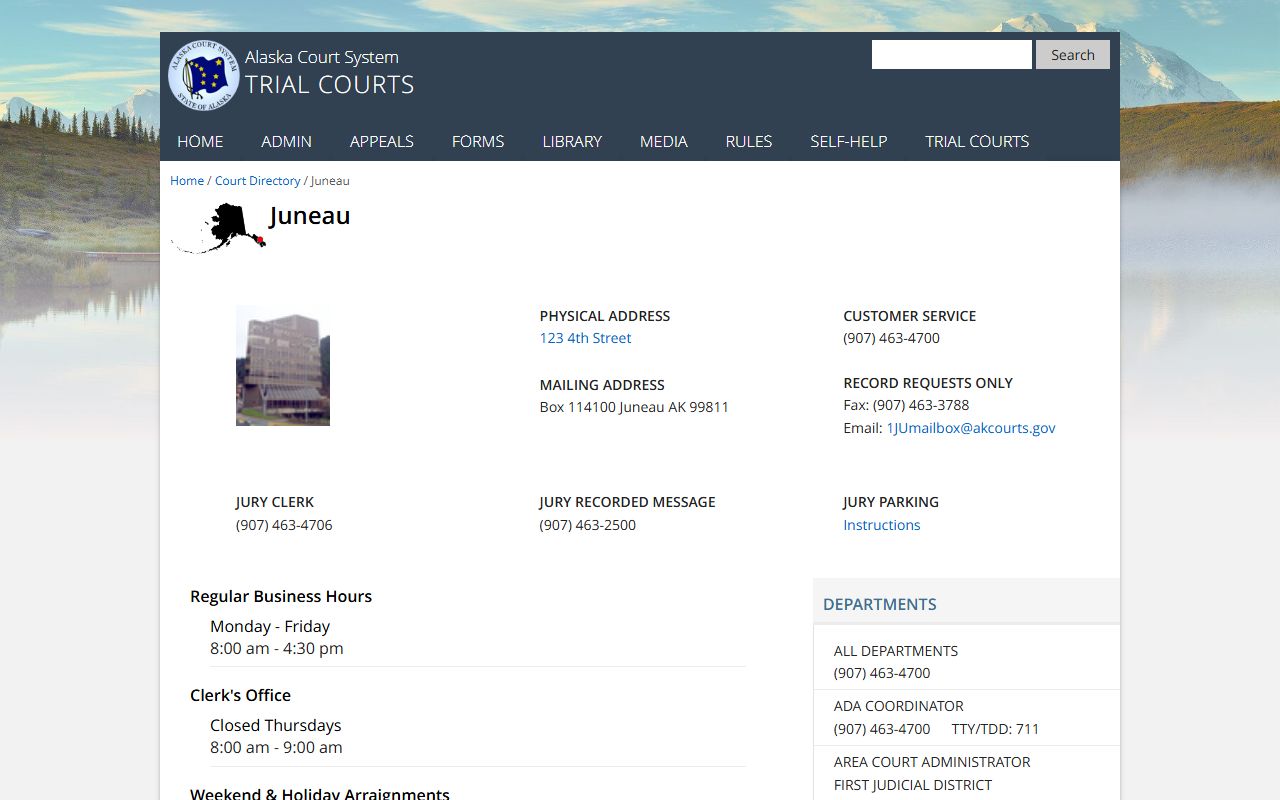
This Juneau court image helps show where Yakutat Traffic Court Records are administered, since the local case path runs through the Juneau court office rather than a permanent Yakutat courthouse.
Searching Yakutat Traffic Court Records in CourtView
The quickest public search tool for Yakutat Traffic Court Records is CourtView. You can search by name, citation number, or case number, which makes the portal useful whether you are looking at a recent ticket or trying to confirm an older docket entry. Because Yakutat matters are administered through Juneau, the result may appear under the Juneau or First Judicial District path rather than under a standalone Yakutat office. That is normal and usually means the case has been routed correctly through the state system.
The traffic self-help page at courts.alaska.gov/shc/mo/index.htm is the best companion to CourtView when you want to understand what the record means. It explains the basic traffic and minor offense workflow, which is useful when a citation is still pending, when a hearing has been scheduled, or when you need to confirm whether an online entry is complete enough to rely on. For Yakutat Traffic Court Records, that context matters because the case may be physically distant from Juneau but still follow the same Alaska court process.
When you search, it helps to keep the identifiers focused and ready before you call or search.
- The full name on the citation or court notice
- The citation number from the ticket
- The Juneau or 1JU case number if one has been assigned
- The date of the stop, filing, or hearing notice
- Any alternate spelling or middle initial that appears on the paper copy
Those details reduce the chance that a broad search will pull the wrong Alaska case. CourtView is a public docket tool, not the entire file, so it can show the record trail without showing every piece of paper in the office file. If the citation has not yet been fully entered, the clerk may still be the best source for confirmation. The goal is to connect the Yakutat traffic notice to the correct Juneau-managed case before you ask for a copy or make assumptions about the case status.
Requesting Yakutat Traffic Court Records Copies
When you need the document itself, the Alaska Court System forms page at courts.alaska.gov/forms/index.htm is where you find the TF-311 records request form. That is the standard route for requesting Yakutat Traffic Court Records copies from the court. If you want a docket sheet, a judgment, a dismissal, or another record page, the form is the cleanest way to ask for it. The request is easier for the clerk to process when you include the exact case number, because the Juneau office can use that identifier to avoid searching across multiple names or dates.
Because Yakutat has no permanent courthouse facility, the court relationship is more administrative than physical. That means a records request should be written as a case-specific request to the court office that manages the file, not as a general inquiry to a local building that does not exist. If you have a hearing notice, include the date. If you only have a citation, include the citation number and the person’s name exactly as it appears on the ticket. The more direct the request, the easier it is for the Juneau clerk to match the Yakutat record to the correct file.
For people who need proof that a traffic matter was resolved, the final disposition and docket are usually the most helpful documents. If the request is for a certified copy, say so clearly. If you only need confirmation that the citation was filed or that a hearing was held, ask for the specific document instead of asking for the entire file. That kind of request matches the way Yakutat Traffic Court Records are kept and makes the response more efficient for both the clerk and the requester.
What Yakutat Traffic Court Records Usually Show
Yakutat Traffic Court Records usually show the record trail from filing to resolution. That can include the citation number, the case number, the filing date, the charge description, the hearing date, and the final disposition. In some cases, the file will also show a plea, a payment entry, or a continuance. That information is what makes the record useful when you are trying to tell whether a citation is still open or whether the court has already closed the matter.
The public docket is not the same as the full file. CourtView shows the accessible side of the case, while the court office retains the broader record history. That distinction matters in Yakutat because a case can be administered through Juneau, heard during a travel schedule, and still leave a fairly short online trail. If you are trying to prove what happened, the docket and final order are usually the most important pieces to request first. If the online summary is thin, that does not mean the case is missing. It may simply mean the file is more complete than the public display.
Alaska’s record rules also mean that not every traffic matter appears online in the same way. Some files are limited because of confidentiality, some because of timing, and some because only a public summary is released through CourtView. That is why Yakutat Traffic Court Records should be read with a practical eye. The docket tells you what the court has posted. The clerk can tell you whether there is more in the file. Together, they usually answer the basic question of what happened to the citation.
Yakutat Traffic Court Records and the Traveling Magistrate
The traveling magistrate schedule is a central part of Yakutat Traffic Court Records. Because magistrate judges travel to Yakutat on schedule, the hearing can be local even though the administrative record is handled through Juneau. That arrangement is common in communities without a permanent courthouse, and it explains why a case notice may reference a local event while the court file lives in the Juneau system. When you are tracking a traffic citation, that split is not a complication. It is the structure of how the court serves Yakutat.
If the magistrate schedule is on your notice, follow that date carefully. A court appearance in Yakutat does not change the fact that the record is managed through Juneau. It simply means the hearing step is being brought to the community on a scheduled basis. That is why the Juneau court directory remains the right reference point even when the record itself feels local. The directory tells you where the case is administered. The travel schedule tells you where the judge may be at the hearing.
For practical searching, this means you should keep both pieces in mind. The file may show Juneau contact information, but the hearing notice may still be tied to Yakutat. If you are only trying to confirm whether a ticket has been filed, CourtView is usually enough. If you need to know whether the hearing is still on the calendar, the traveling magistrate notice matters just as much as the docket entry. That is the best way to read Yakutat Traffic Court Records without assuming the administrative office and the hearing location are the same thing.
Historical Yakutat Traffic Court Records and Alaska Statutes
Older Yakutat Traffic Court Records may not appear fully in CourtView, especially if the file predates the current public portal or if the case was handled in paper form first. In those situations, the best path is usually to start with the name on the citation, the approximate year, and any citation number you still have. Since the court is administered through Juneau, that office is the one most likely to confirm whether the older file still exists and whether a copy request makes sense.
The Alaska statutes database at akleg.gov/basis/statutes.asp can help you understand the traffic rule that sits behind the citation, but it should be read as background rather than as a substitute for the case record. A docket entry tells you what the court did. The statute index helps explain why the record may show a hearing, a deadline, or a particular disposition. When you use both sources together, the Yakutat search becomes easier to understand and easier to document.
For older matters, the most efficient request is the one that stays narrow. Use the 1JU case number if you have it, add the date range if you do not, and describe the document you need as clearly as possible. That keeps the Juneau office focused on the correct Yakutat traffic file instead of on a broader search that may not be necessary. In a smaller record environment, that kind of precision matters more than a general request that asks for everything at once.