
Find Unalaska Traffic Court Records
Unalaska Traffic Court Records begin with the state court file, not with the city website. If you are searching for a citation, checking a hearing status, or asking for a copy of a filed docket entry, the Alaska Court System is the office that holds the judicial record. The City of Unalaska can still be useful for municipal context, public records contacts, and public safety information, but those city-side records are separate from the court file. Starting with the right source saves time, keeps the request focused, and helps you avoid sending a court question to a city office that does not control the case.
Where Unalaska Traffic Court Records Start
The Unalaska District Court is the office that handles the filed traffic record at 204 West Broadway, Unalaska, AK 99685, with mailing address PO Box 245, Unalaska, AK 99685. The court phone is (907) 581-1379, the records request fax is (907) 581-2809, and the records email is 3UNmailbox@akcourts.gov. The case prefix is 3UN, which is the quickest way to tell that a traffic matter belongs to Unalaska. If your citation, docket, or hearing notice includes that prefix, you can use it to keep the search on the correct court file from the start.
The official directory at courts.alaska.gov/courtdir/3un.htm is the best place to verify the court location, business hours, and request-copy contacts before you call or visit. The directory also links to records.courts.alaska.gov, which is the public entry point for looking up an Alaska court case. When you are searching Unalaska Traffic Court Records, that combination is the simplest way to move from a citation to the official docket without guessing which office is responsible for the file.
The City of Unalaska homepage at www.unalaska.gov is still worth keeping in view because the city site organizes municipal contact information, public records, and public safety records separately from court records. That separation matters. A city request can help you find municipal context, but it will not replace the filed traffic record held by the Alaska Court System. If the question is about the citation, the hearing, or the docket, the court directory is the source that controls the answer.
Unalaska Traffic Court Records are also shaped by the way the court handles business hours and telephonic matters. The directory shows weekday business hours, the Wednesday clerk closure, and weekend or holiday arraignment procedures. Those details are practical because they tell you when to call and when to expect the office to be available for a records question. If you have a narrow time window, checking the directory first is better than making repeated calls to a closed line.
The City of Unalaska homepage at www.unalaska.gov is the source used for this city image and for the municipal context around the court.
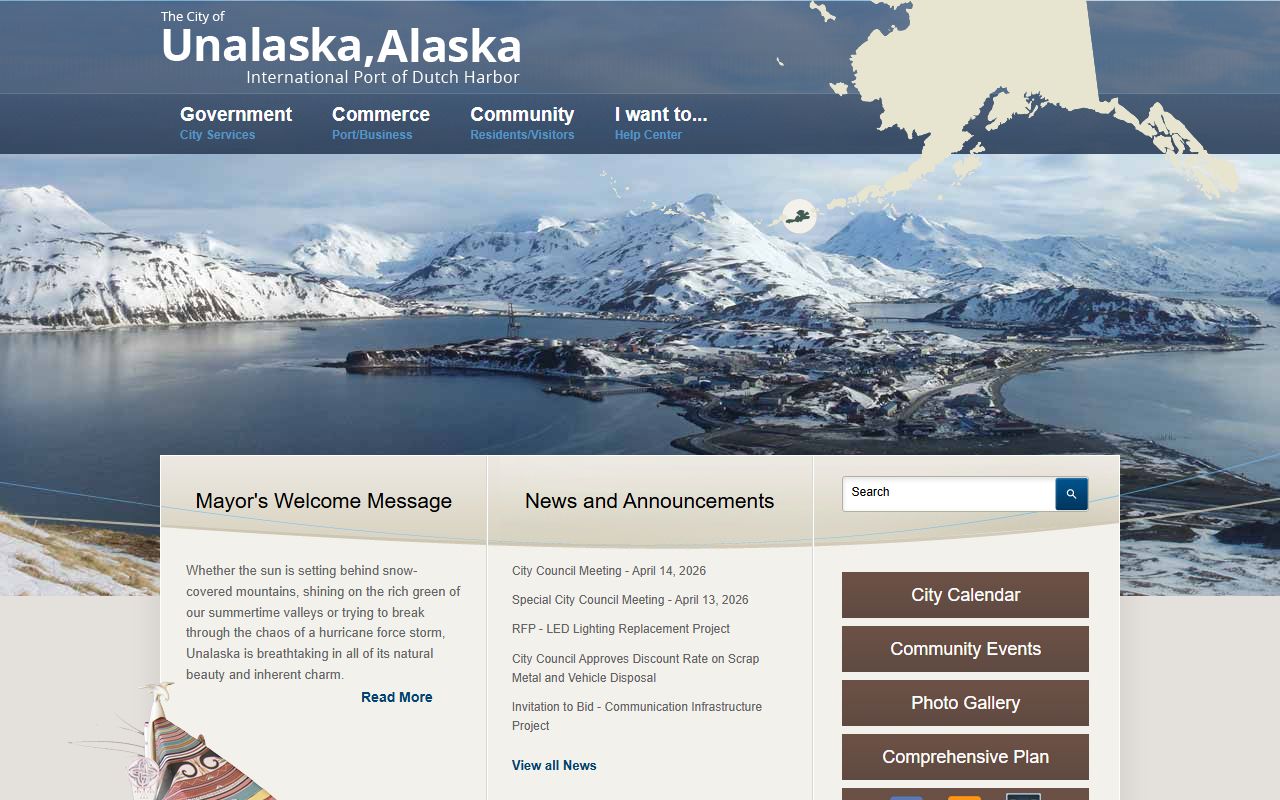
Use the city homepage for local government navigation, but keep the actual traffic file search tied to the Unalaska District Court and the Alaska Court System record tools.
How to Search Unalaska Traffic Court Records
Search Unalaska Traffic Court Records through CourtView and the Alaska Court System records portal when you need to check status, confirm a citation, or see whether a case has been entered. The CourtView information page explains that you can search by case number, name, or ticket number, so the best search method depends on what information you already have. If you only know the name on the ticket, that is still enough to start. If you have the citation number or the 3UN case number, the search is usually faster and more precise.
Before you contact the clerk, gather the details that will help the search land on the right record. A clean request usually starts with the ticket itself and then narrows to the court file. The most useful details are:
- The citation number shown on the ticket or notice
- The full name on the citation
- The 3UN case number, if the court has already assigned one
- The approximate date of the stop or citation
- Any hearing notice or payment notice you already received
The traffic self-help page at courts.alaska.gov/shc/mo/index.htm explains what usually happens after a minor offense citation is issued, and the CourtView information page at courts.alaska.gov/trialcourts/cvinfo.htm helps you understand how the public index works. Some cases are removed from the public index or are not yet entered, so a missing result does not always mean the citation was never filed. It often means you need to check the ticket details again or contact the court office for confirmation.
If you are comparing a city contact with a filed traffic record, keep the lines separate. The city website can help with municipal questions, but the case status, docket activity, and hearing history live with the state court. That distinction matters most when a citation is recent, because the city may know about the stop while the court has not yet received the full case file. A careful search avoids the common mistake of treating a city record as if it were the judicial record.
Copies, TF-311, and Unalaska Traffic Court Records Requests
When you need a copy of Unalaska Traffic Court Records, use the Alaska Court System forms page at courts.alaska.gov/forms/index.htm to find the TF-311 records request form. That is the standard way to ask for a docket printout, a file copy, or another court document. Because the request goes to the court that actually holds the file, it is better than a general city request when the question is about the filed traffic case. The court directory also identifies the records request fax and email, which gives you two direct ways to send the form if you do not want to mail it.
For a request that moves quickly, include the case number if you have it, and if you do not, include the citation number, the full name on the ticket, and the approximate date of the stop. If you need more than one document, say that plainly so the clerk knows whether you want a single page, a docket copy, or a broader file search. A precise request is especially helpful in a small court like Unalaska, where the staff needs enough information to match the right citation to the right file without extra guesswork.
If the issue is payment rather than a copy, the payment page at courts.alaska.gov/trialcourts/payments.htm explains how online and in-person payment works. The local court information supplied in the research says Unalaska is authorized to accept credit card payments, so an active citation may be handled through the payment workflow while you are also requesting the file copy. That is useful when you need proof of payment or a docket record that shows the matter has been resolved.
For questions about filing fees or fee waivers, the court fees page at courts.alaska.gov/shc/courtfees.htm explains the general Alaska Court System framework. In traffic matters, the main issue is usually not a new filing fee but rather whether you need a copy, a docket entry, or a way to resolve the citation itself. Keeping that distinction clear helps you ask the court for the right service on the first try.
Using City Offices Without Confusing the Court File
The City of Unalaska can be a useful companion source when you are sorting out where a citation started, whether a public safety office has information about the stop, or whether the issue belongs to a city record path instead of a court file. The city homepage at www.unalaska.gov organizes city contact information and also separates Public Records from Public Safety Records on the main site. That separation is important because those municipal records are not the same thing as the judicial record that gets filed with the Alaska Court System.
If a traffic issue started with a municipal contact, the city site can help you identify the right local office. If the issue has already become a filed citation, the court directory and CourtView are the better tools. That split keeps the record search cleaner. It also avoids the common problem of asking the city for a case file that the court actually controls. In practice, the city page is for local context, while Unalaska Traffic Court Records live with the district court clerk.
The most efficient approach is to use both sources in the right order. Check the court directory first for the filed case, then use the city site only if you need municipal contact details or a separate public records request. Once you know which office has the record, the rest of the search becomes straightforward. You can confirm the docket, request copies, verify payment status, or review the traffic case history without guessing where the file belongs.