
Search Eagle River Traffic Court Records
Eagle River Traffic Court Records usually begin in Anchorage, not in a separate Eagle River courthouse. Eagle River is part of the Anchorage Municipality and the Chugiak-Eagle River area, so the court file runs through Anchorage District Court at Nesbett Courthouse. If you want to find a citation, check a hearing, or request copies, the best start is the Anchorage court directory and CourtView. That keeps the search tied to the office that actually holds the record and helps you avoid wasting time on a city office that only handles part of the paper trail.
Eagle River Traffic Court Records and Anchorage
Eagle River sits north of Anchorage proper, but the state court record follows the Anchorage court system. The Anchorage District Court at Nesbett Courthouse, 825 West 4th Avenue, Anchorage, AK 99501, is the place that keeps the court file, hears the traffic case, and manages requests for copies. Customer service is available at (907) 264-0514, the records line is (907) 264-0491, and the records fax is (907) 264-0873. The records email is 3ANRecordsRequest@akcourts.us, and traffic pleadings go to 3ANTraffic@akcourts.us. For Eagle River residents, those Anchorage contacts are the core of the search.
The official courthouse directory at courts.alaska.gov/courtdir/3an.htm gives the current court contact details for the 3AN case area. The Alaska Court System records portal at records.courts.alaska.gov is the main online search tool, and Eagle River cases use the 3AN prefix in CourtView. That prefix matters because it tells you the case was filed in Anchorage, even if the stop happened in Eagle River. If you are checking a ticket for a family member or client, that one code can separate a simple city notice from a filed court case.
Anchorage Municipality resources at www.muni.org can help when the question is local context instead of a court file. Eagle River is part of that municipality, so the city site is useful for general community contact information, while the state court site remains the source for the actual traffic case. That split is the reason Eagle River Traffic Court Records searches work best when you start with the case source and then move outward to city information only if you still need it.
The Anchorage traffic court livestream at courts.alaska.gov/streaming/3an.htm gives a live view into the same Anchorage court system that serves Eagle River.
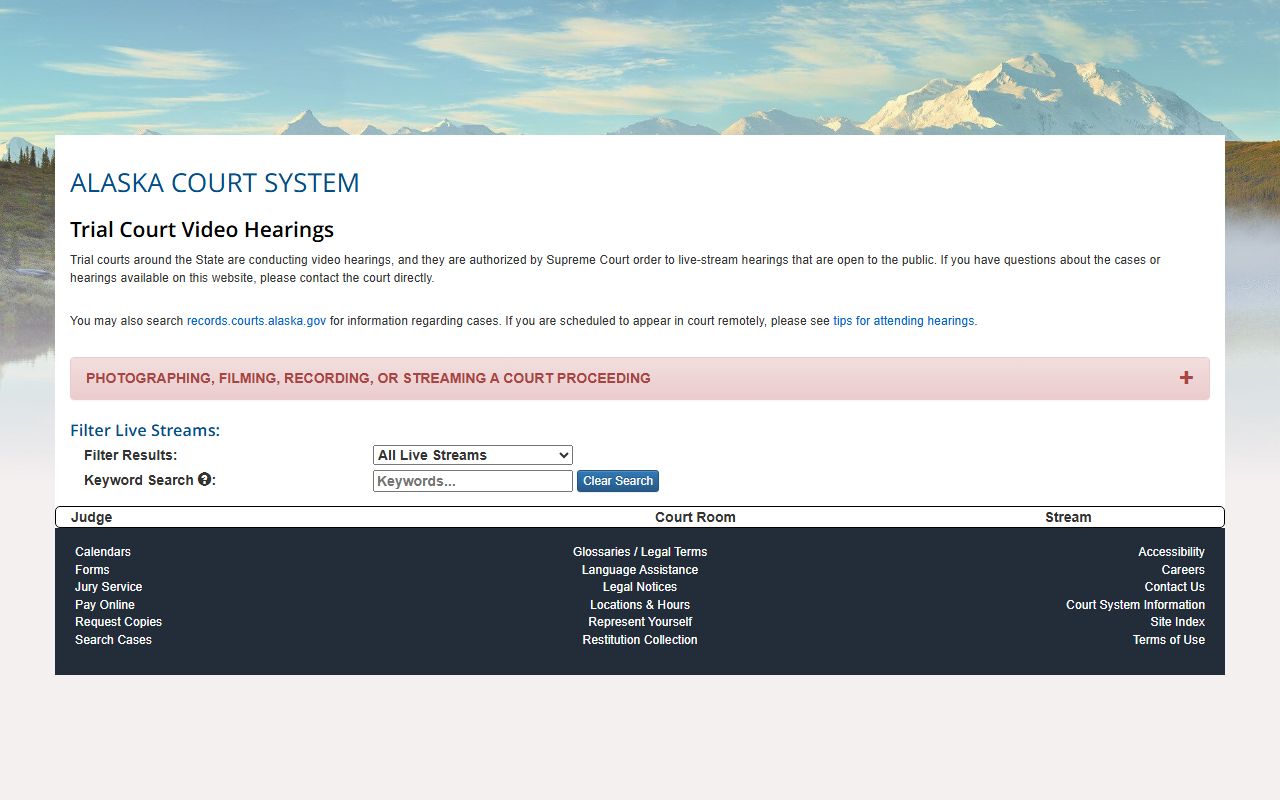
Using the Anchorage image keeps the page local to Eagle River because the traffic case itself is handled in Anchorage and not in a separate Eagle River courthouse.
Searching Eagle River Traffic Court Records
The fastest way to search Eagle River Traffic Court Records is through CourtView. You can search by case number, party name, or ticket number, and the public system shows the open state-court information that has already been entered. Anchorage cases begin with 3AN, so that prefix is the quickest clue that the file belongs to the Eagle River area. CourtView is also useful when you want to confirm whether a citation has a hearing date, a payment history, or a docket entry that shows the next court step.
Case numbers matter because Alaska CourtView uses a set format with leading zeroes and dashes. If you have only a name, try the citation date and the citation number with the name. If you have the case number, copy it exactly as it appears on the ticket or clerk printout. The search system can return up to 500 records, so the more exact your search terms are, the easier it is to avoid a long list of unrelated results. That rule is especially useful in Anchorage because larger case pools can create false matches if you search too broadly.
Before you search, keep the best facts together so you do not have to repeat the work. The most useful items are:
- The citation number from the ticket or notice
- The full 3AN case number if the court already opened a file
- The driver's name as it appears on the citation
- The approximate month or year of the stop
The traffic self-help page at courts.alaska.gov/shc/mo/index.htm helps you tell the difference between a response deadline, a hearing notice, and a simple public record search. The statewide trial courts page at courts.alaska.gov/trialcourts/ is the broader court-system guide if you need to confirm that a matter belongs with Anchorage rather than with a city desk or a police payment page. When you want the search to be clean, those two pages make the process easier to follow.
Eagle River Court Copy Requests
When you need a copy instead of a search result, the Anchorage-specific TF-311 ANCH form is the right records request for Eagle River Traffic Court Records. The form is available from the Alaska Court System forms page at courts.alaska.gov/forms/index.htm. For Anchorage, online and email requests normally take four to six weeks, while in-person requests with a case number can be processed much faster. That timing is important because it tells you whether you should wait for the request or plan to visit the courthouse.
The records team at Anchorage can accept requests by email at 3ANRecordsRequest@akcourts.us, by fax at (907) 264-0873, or in person at Nesbett Courthouse. If you need a traffic pleading rather than a record copy, the court uses 3ANTraffic@akcourts.us. That separate address matters because a pleading question is not the same as a copy request. The general records request phone number is (907) 264-0491, and customer service is (907) 264-0514, so you can call first if you need to confirm which request format fits your situation.
Anchorage also uses TF-304 ANCH for audio recording requests, which is a different item from the written case file. If you only need the docket, the written order, or the disposition, TF-311 ANCH is enough. If you need the hearing audio, choose the audio form instead. That distinction saves time because the court can route the request to the correct staff member the first time, and Eagle River users benefit from that efficiency just as much as any Anchorage filer.
Eagle River Traffic Records and Hearings
If the traffic matter is set for a hearing, the court may use Zoom or telephonic access. The Zoom join page at zoom.us/join uses meeting ID 271 863 6288 and passcode 2640026B#. The telephonic line is 1-888-788-0099, or 1-877-853-5247, with the same meeting ID and passcode 571 934 756. Those details are useful when you are trying to connect a case event to the record that later appears in CourtView or in the paper file.
The Alaska Court System TrueFiling page at courts.alaska.gov/efiling/truefiling.htm explains the electronic filing path for eligible documents. That can matter if a traffic case needs a response, a motion, or another filing that should be submitted into the Anchorage record. Eagle River is not a separate filing hub, so the Anchorage court channels are the right ones to use when a document has to be filed rather than simply requested.
Anchorage municipal tickets can also route through the Anchorage Police Department payment page at www.anchoragepolice.com/pay-a-fine when the matter is still in the APD window. That page is the municipal side, while CourtView and the records portal are the court side. For Eagle River users, the safest approach is to check the citation type first, then use the state court file or the APD payment page as appropriate. That keeps Eagle River Traffic Court Records searches focused on the correct office and avoids backtracking later.